2×
1024 px to 2048 px
Sharper for print
Upscale any illustration to twice its resolution in one click, ready for the page.
For parents, teachers and picture-book authors
Describe a scene, pick an art style, and keep your characters looking like themselves from the first page to the last. No drawing skills needed.
10 free illustrations every month. No credit card needed.
Describe your scene
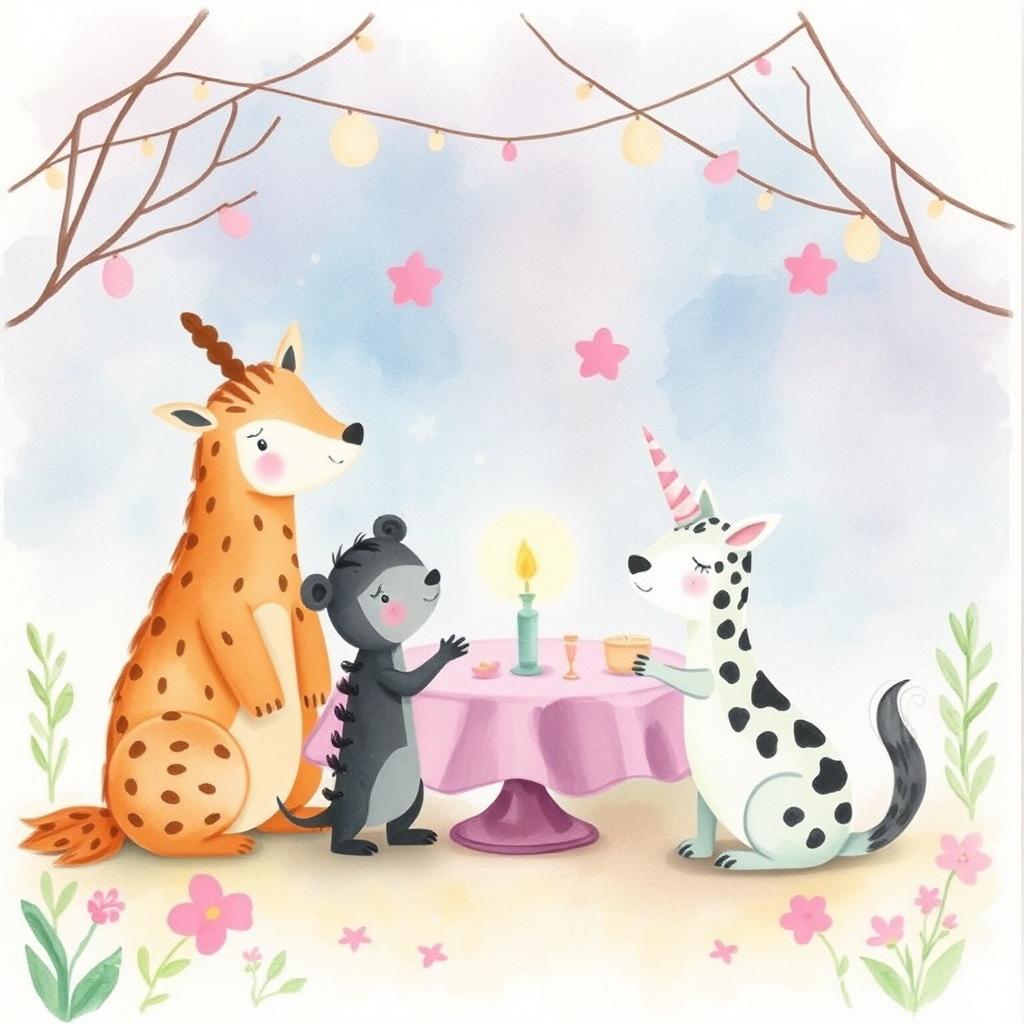
A giraffe, a little bear and a dalmatian having a birthday party in a pastel garden
How it works
Write a sentence or two about what happens on the page. Not sure where to start? Let AI expand your idea into a richer scene.
Pick one of 15 illustration styles and a saved character, so every page shares the same look.
Save your illustrations, upscale them for print, and drop them into Canva, InDesign or any layout tool.
Illustration styles
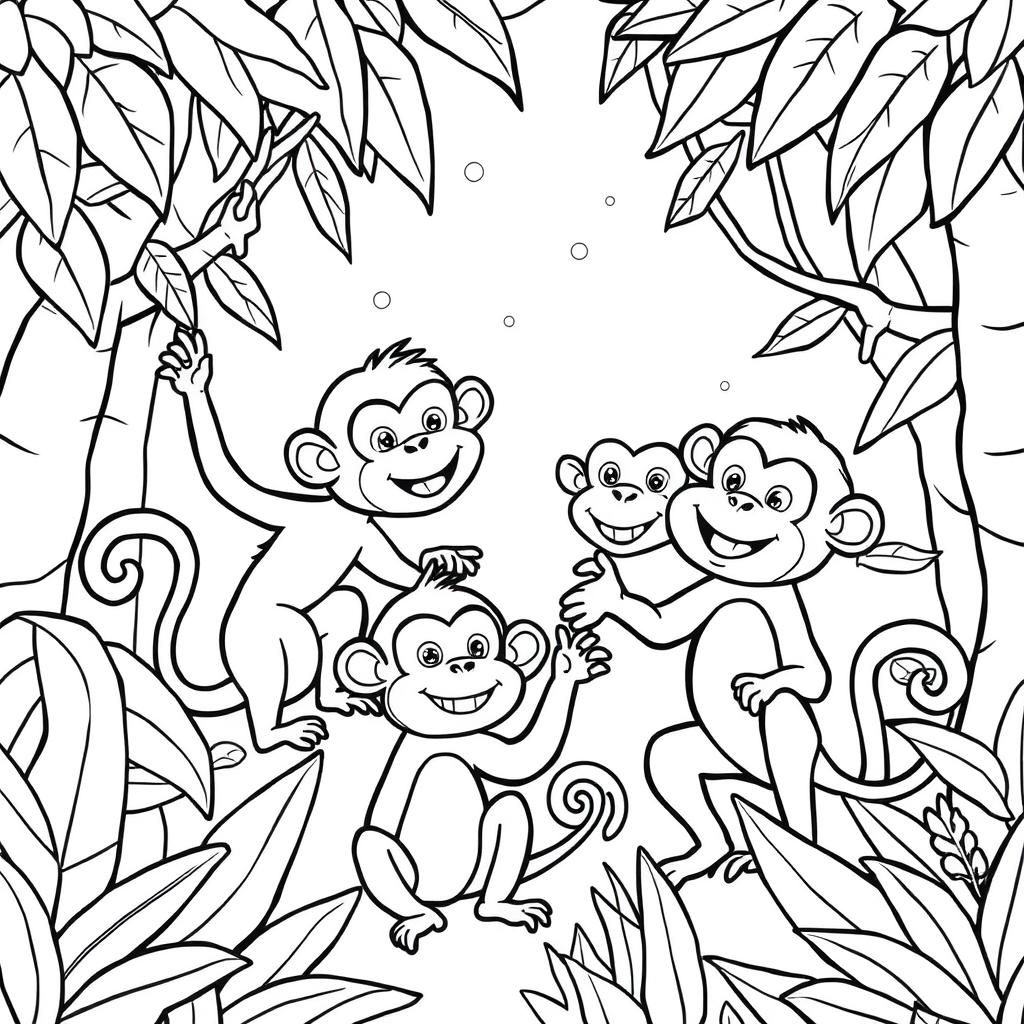
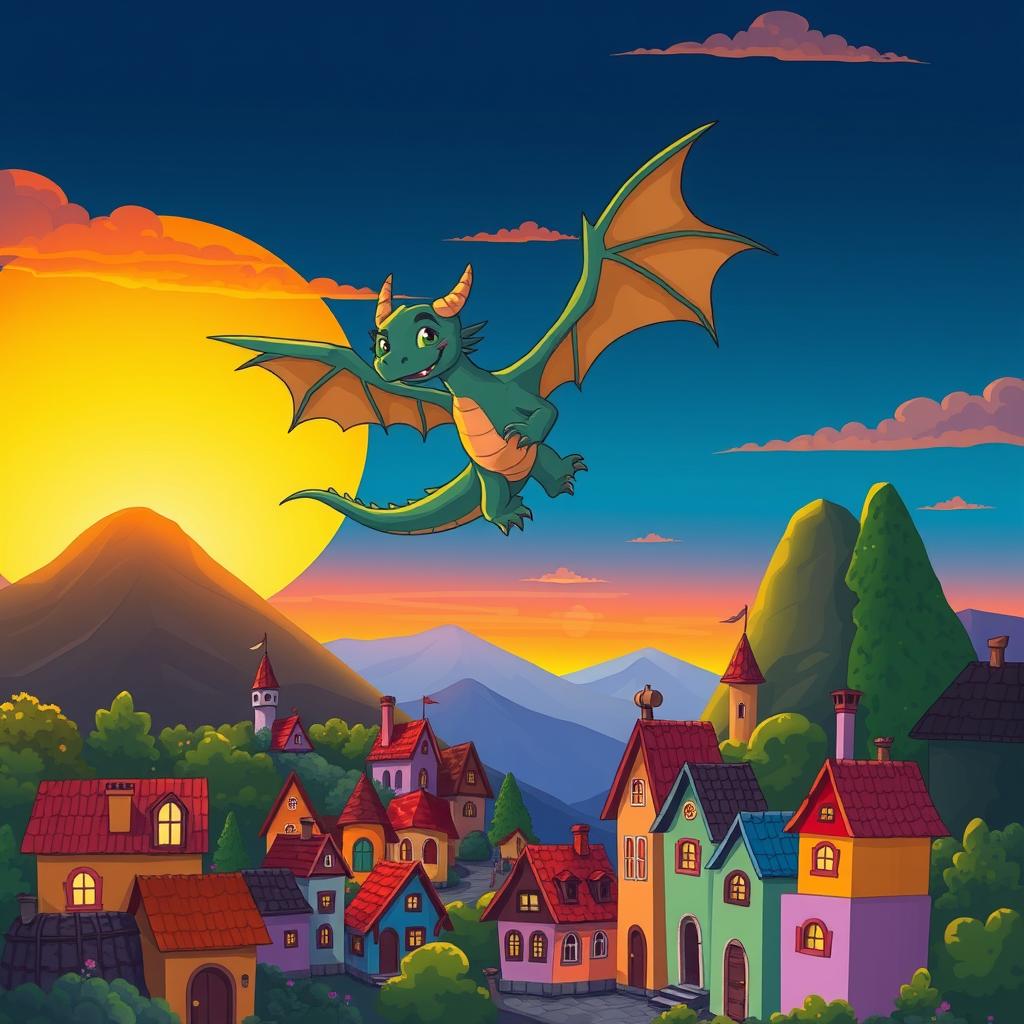
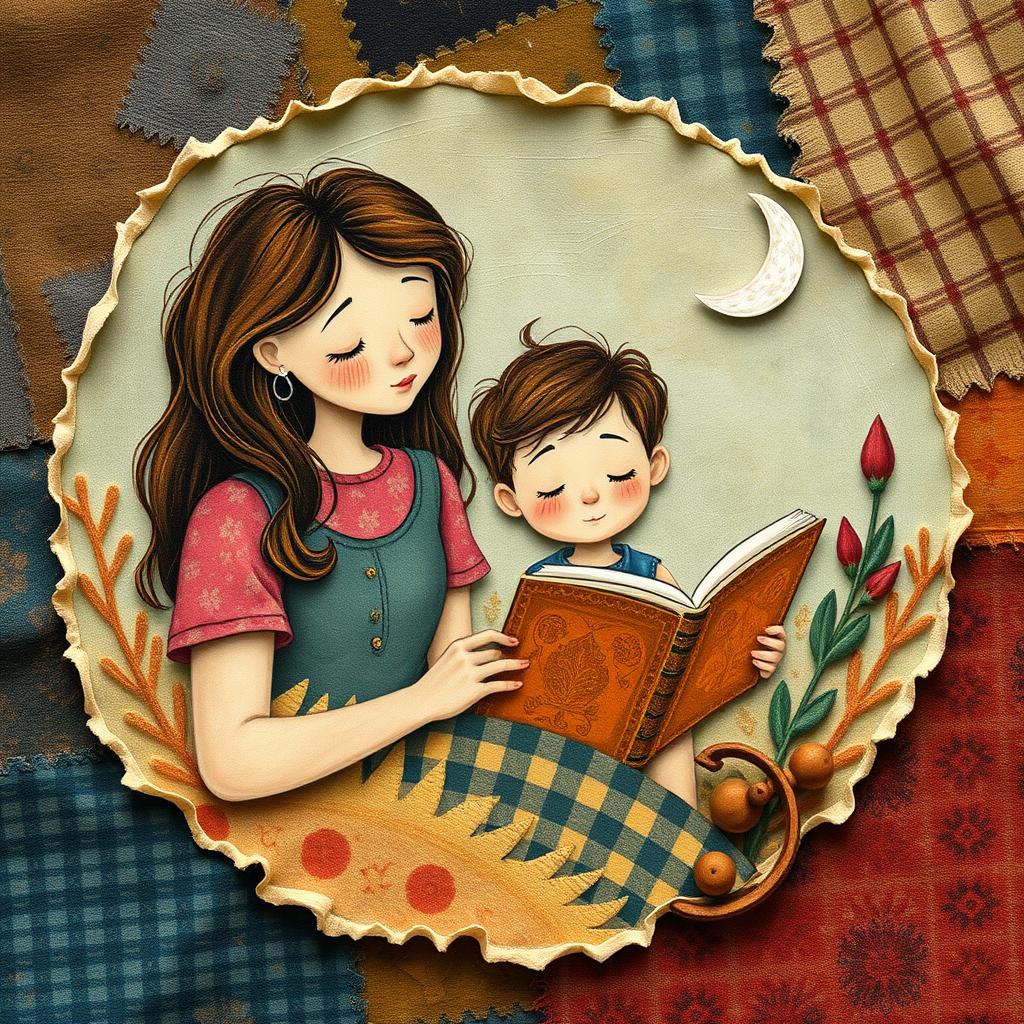
Fifteen styles, from soft watercolor to cut-paper collage. Pick one and keep it for the whole book.
And 11 more:
Saved characters
Save a character with a name and a detailed look. Pick them for any scene and we weave that description into your prompt, so they stay recognizable from page to page.
Saved character
Rosie
A small rabbit with soft gray fur, a pink bow on her left ear and a tiny yellow backpack.
Your scene
exploring a glowing garden at night
What the AI is told
Rosie is exploring a glowing garden at night. Character appearance: a small rabbit with soft gray fur, a pink bow on her left ear and a tiny yellow backpack.
And a little more
2×
1024 px to 2048 px
Upscale any illustration to twice its resolution in one click, ready for the page.
Turn a finished illustration into a short animated clip for story time or social posts.
a dragon who loves baking
A friendly green dragon in a cozy village bakery, a flour-dusted apron tied around its belly, pulling a tray of golden loaves from a stone oven…
Type a few words and let AI expand them into a vivid scene before you generate.
Who it's for
Parents
Turn the stories you tell at bedtime into pictures. Make your child the hero and watch them step into the adventure.
Teachers
Illustrated reading passages, story prompts and printable coloring pages that match your lesson.
Authors
Illustrate every page in one consistent style. The Author plan includes commercial usage rights.
Pricing
Every account includes 10 illustrations and 1 video a month. Upgrade when your story grows.
FAQ
Yes. Every account includes 10 illustrations and 1 short video each month, free. You just continue with Google. No credit card is needed.
You save a character with a name and a detailed description. Whenever you pick them for a scene, we add that description to your prompt so the AI is always told what they look like. This makes characters much more consistent, but AI image models can still vary a little, so the more specific your description, the better the result.
Commercial usage rights are included with the Author plan. If you plan to publish and sell a book, that is the plan to pick.
Illustrations are generated at 1024 × 1024 pixels. You can upscale any of them 2× for sharper results in print.
Yes. Pick any finished illustration and animate it into a 5-second clip. Free accounts include 1 video a month, and paid plans include between 5 and 50.
Your allowance resets with your billing period, or at the start of each month on the free plan. You can upgrade whenever you need more.
Yes. You can manage or cancel your subscription at any time from your account through the secure customer portal.
Start with your first illustration today. It takes a sentence and a few seconds.
10 free illustrations every month. No credit card needed.